

Search K
Appearance
Learn how to configure CalypsoAI as a bot in your Slack environment using our SaaS (Software as a Service) platform. This tutorial walks you through the complete process of creating, configuring, and installing your CalypsoAI Slack bot.
PREREQUISITES
You must have an active CalypsoAI Inference Defend subscription, and be an administrator user of your organization's Slack environment.
A bot project is a fundamental component for your Slack integration. For the purpose of this tutorial, we will use the project to configure some basic settings and generate the necessary credentials.
To create a bot project:
STORING THE TOKEN
Make sure you store the token securely, as it is required to complete the configuration in Slack.
Your CalypsoAI bot project is added to Slack, in the Apps section, and is ready to be configured.
Establish the connection between your Slack environment and the CalypsoAI bot, enabling secure communication and functionality.
To configure the CalypsoAI bot app:
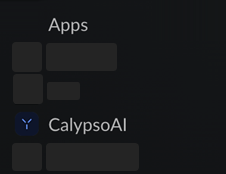
/configure command.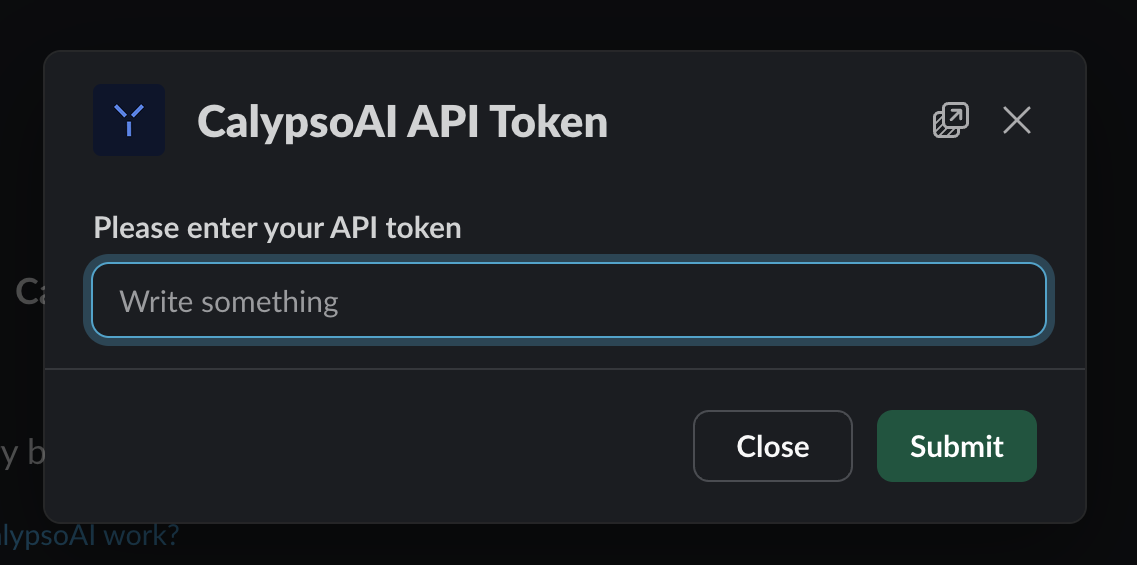
After the token is accepted, your Slack integration is complete and you can start interacting with the CalypsoAI bot through the message text box:
/models./chat <YOUR-MESSAGE>./chat What is the capital of Peru?./chat-with <MODEL-NAME>./chat-with gpt-4.ABOUT TAB
You can select the About tab to view app permissions and see a list of available commands.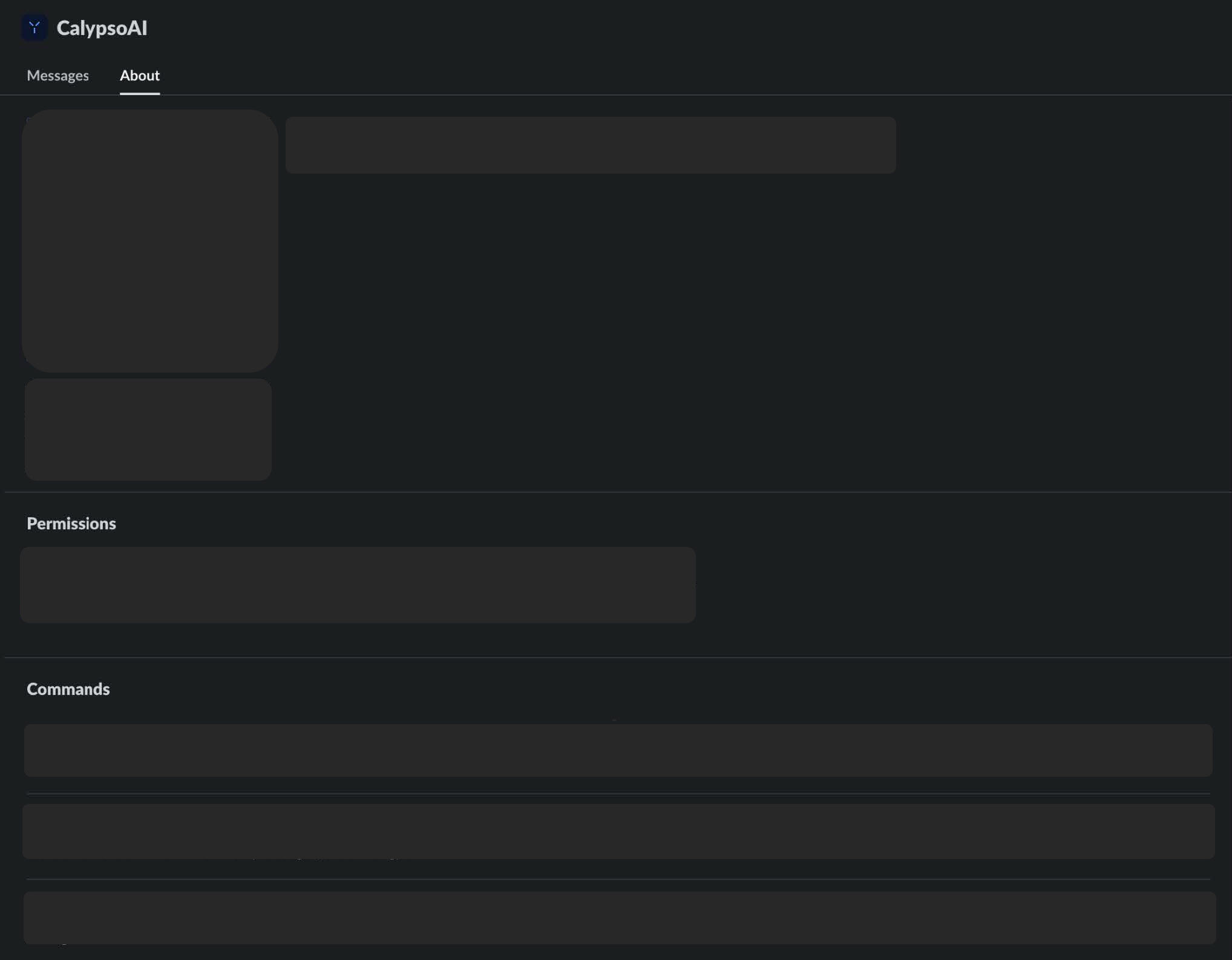
Finalize the integration process by configuring the bot project's scanners, providers, and users in the CalypsoAI web app.
To finalize the integration:
Your Slack integration is now complete!