

Search K
Appearance
Find out what you need at the start of your journey with our API.
Before you start using our products, make sure you follow these simple steps.
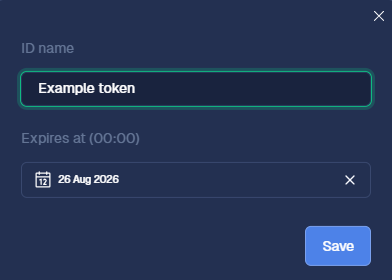
To communicate with our API, you must use a token. You can create a token in our CalypsoAI Platform.
To create a token:
CHANGING TOKENS
As a best security practice, change tokens regularly, at least once a year.
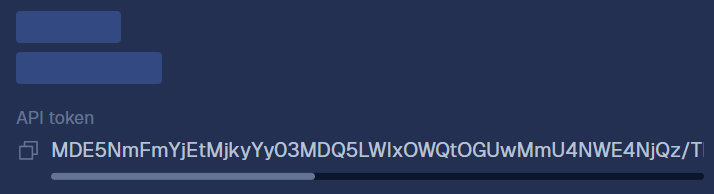
STORING THE TOKEN
Make sure you store the token value securely — you will not see this value again.
A provider is a connection to an LLM or application, for example, an internally hosted model or an LLM created and hosted by a company. To connect to the required AI models, first you need to add the relevant provider.
PROVIDERS, CONNECTIONS, MODELS AND APPLICATIONS
In our system, depending on the context, we use four closely-related terms.
ROLES AND PERMISSIONS
To create providers, users need to have required permissions and roles in our system.
Adding a provider is a bit different for Defend and Red-Team users. Both Defend and Red-Team users can add model connections, but only Red-Team users can add application connections.
To add a model (Defend and Red-Team):
INVALID NAME
This field is case-sensitive. To successfully connect to the provider, you must enter the exact model name.
If you enter an invalid model name, the connection will fail.
To add an application (Red-Team only):
Our dedicated Python SDK is the recommended way of interacting with CalypsoAI API.
To install our SDK:
Make sure you have pip installed.
Run the following command:
Now, you're ready to start using our products! Check the following tutorials to complete your CalypsoAI onboarding journey.